AI shop assistant for Shopify
The shop assistant that knows what’s on your shelves.
Aseria sits on your storefront and answers shoppers from your live catalog and store policies. It shows the right products, adds them to the cart, and can talk out loud when a shopper would rather speak than type.
Coming soon to the Shopify App Store.

Hi! Looking for anything in particular?
Things shoppers ask
- Is this dishwasher safe?
- Do you ship to Canada?
- Does this run small?
- What's your return policy?
- Which grinder is better for espresso?
- Is the camel sweater back in stock?
- Can I add the matching bowl?
- What's in my cart?
- Is this oven safe?
- Do the plates come in white?
- Show me everything under $50
- Can I exchange for a bigger size?
Answers on the spot
For the questions that usually land in your inbox, or make someone close the tab.
Takes shoppers from question to cart
Product cards show up right in the chat. Shoppers can add to cart, check what’s in it, or jump to a product page without leaving the conversation.

Stoneware Mug · $32
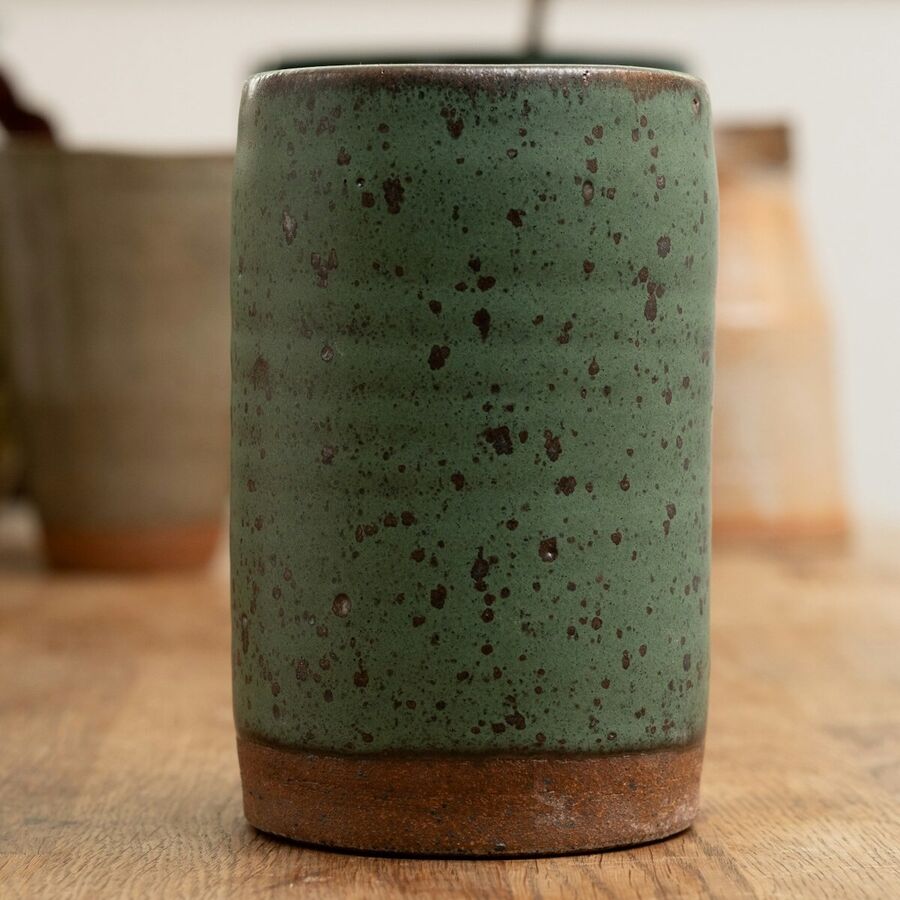
Stoneware Cup · $26
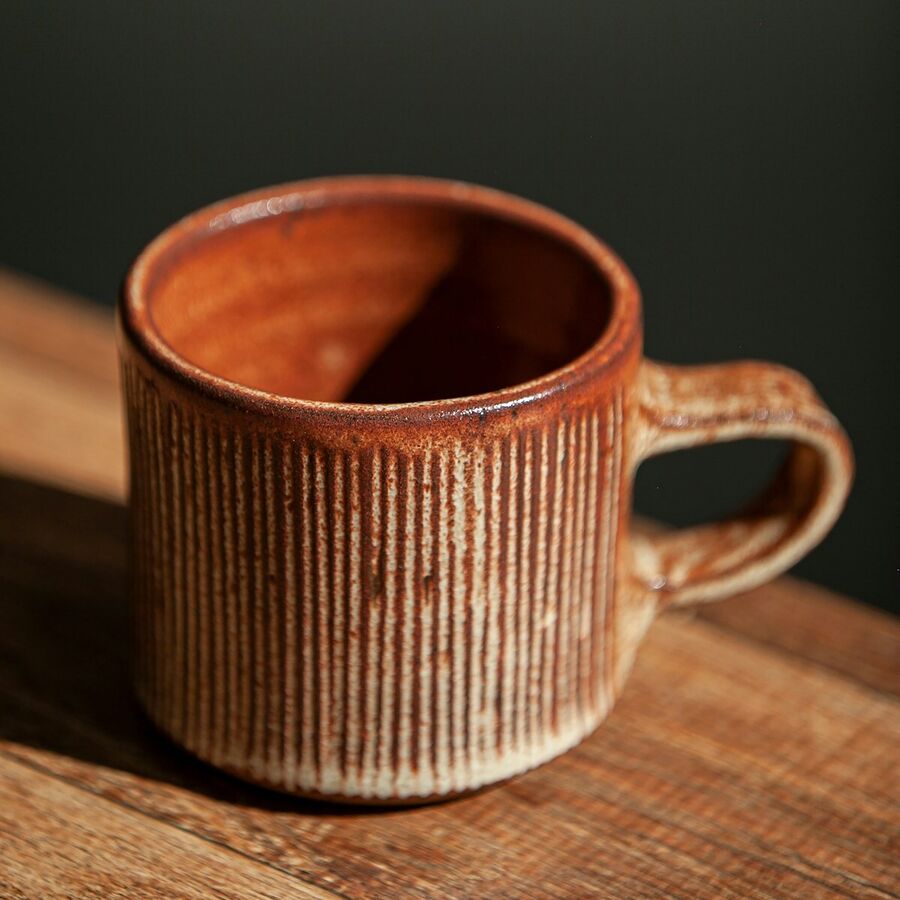
Ribbed Mug · $34
Knows which page they’re on
On a product page, shoppers can ask “is this oven safe?” and get an answer about that product without naming it.

is this oven safe?
Yes, up to 450°F.
Shoppers can just talk.
One tap on the mic and they can ask out loud. Aseria answers in the voice you pick and still shows the products on screen. If voice isn’t right for your store, switch it off.
Voice
Style
Warm, natural, and concise for everyday shopping help.
Katie X · Friendly storefront
Is
Brief it like a new hire
Write a few lines about your store in plain words: what you sell, how you talk, what to suggest first. Pick whether it leans toward sales, support, or a bit of both, then set the color and greeting.
Try it in the preview inside your Shopify admin before any shopper sees it.
Color
Focus
Leans toward product fit, recommendations, and moving shoppers toward purchase.
Welcome message
In the app you also write instructions in your own words and choose a voice. Try the controls; the preview updates as you go.
Hi! Looking for anything in particular?
Looking for a gift for my sister, under $40?
These three are under $40 and easy to give:

Ribbed Bud Vase
Amber · $38
Add to cart
Stoneware Mug
Speckled · $32
Add to cart
Stoneware Cup
Sage · $26
Add to cart
Read what your shoppers are asking
Every conversation is saved, so you can read any of them back. Questions are grouped into topics, which makes it easy to spot what people keep asking and what your product pages might be missing.
Up and running in three steps
Install the app
Add Aseria from the Shopify App Store. There’s no catalog to import; it reads your products through Shopify.
Tell it about your store
Write your instructions, choose a focus and a color, and chat with it in the preview until it sounds right.
Switch it on
Turn on the chat widget in your theme editor. A chat button appears in the corner of every page.
Questions

Give your shoppers someone to ask.
Aseria is launching on the Shopify App Store soon. Send us a note and we’ll tell you when it’s ready to install.
Get early access